
·· AI-powered meetings, rooms, and webinars
Huddle
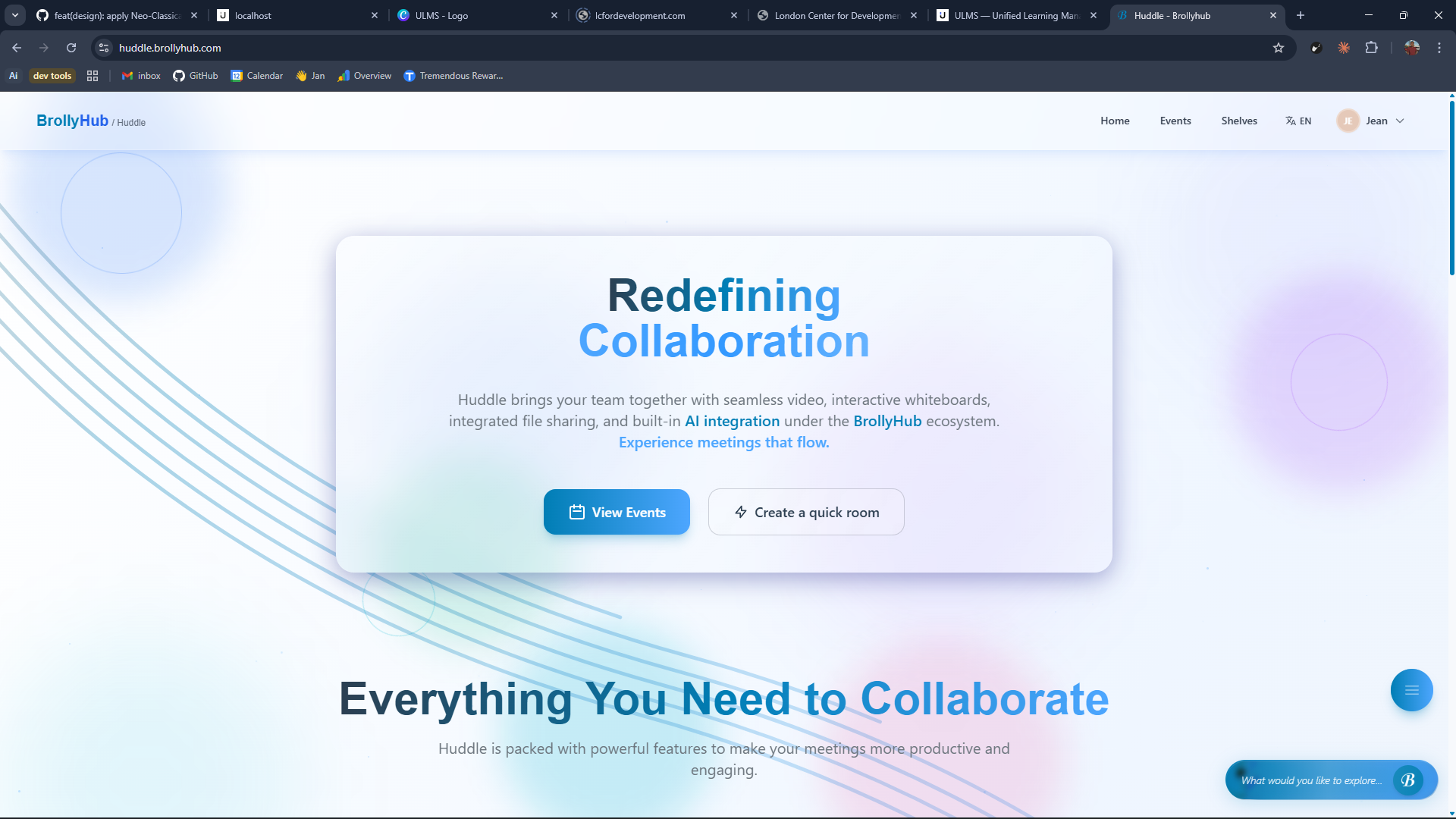
Most video tools were built for sales calls. Huddle is built for the meetings researchers and institutions actually run, long, multilingual, with documents on screen, action items that need to land somewhere accountable, and a whiteboard on the wall by default.
02 The problem we solved
“Today researchers stitch together Zoom + a whiteboard tab + a drive + a notes app + a transcription service. The recording lives in one place, the notes in another, the action items in a Slack thread. Huddle is the one room that captures all of it, indexes it, and makes it accountable a week later.”
03 Who it's for
Built for the people who actually open the tab.
01
Research teams
Persistent rooms with the project context already loaded.
02
University seminars
Webinars with attendance, recording, transcription, and accessibility built in.
03
Cross-institution committees
Live meetings, real-time transcription, AI-generated minutes, without a separate vendor.
04
Distributed advisors
Meet across timezones with translated transcripts and recap on landing.
04 What's inside
Every feature paid for itself before it shipped.
- F. 01
Live meetings, persistent rooms, webinars
One product covers a 15-minute stand-up, a year-long project room, and a 500-attendee webinar.
- F. 02
Real-time transcription, 90+ languages
Multi-speaker, multi-language, searchable after the call. Every participant gets the right script.
- F. 03
Brolly AI in-meeting
Ask the assistant about the meeting as it happens, questions, references, action items, decisions.
- F. 04
Whiteboard built into the room
Excalidraw-grade collaborative drawing inside every room, auto-saved to Shelves on exit.
- F. 05
Breakout rooms
Split a webinar into working groups, recombine with their notes intact.
- F. 06
Screen sharing with optional AI analysis
Share a slide, a paper, a dataset, and let the AI summarise what was on screen.
- F. 07
Auto-summary & action items
Decisions and to-dos extracted from the recording, attached to the room, assigned to attendees.
- F. 08
Shelves in-meeting
Drag a file from your shelf into the room, or drop one from the room straight into a project shelf.
05 Integrations
It plugs in where you already are.
- Shelves ·
- Brolly AI ·
- BrollyHub Academia ·
- Whiteboard ·
- Google Calendar ·
- Outlook ·
- Slack
06 FAQ
Things procurement asks first.
-
Q.01 Can I host external participants?
Yes, guests join with a one-tap link and inherit the room's consent and retention policy.
-
Q.02 Is there a hard meeting length?
No. Huddle is designed for long sessions and resumed conversations.
-
Q.03 How is recording consent handled?
A consent prompt on join, a visible banner during recording, and a per-tenant retention policy your DPO signs off.
Next step